
Elementor is one of the most popular WordPress page builders in the world. In this article, we will explain how to use the TS Team Member plugin in Elementor.
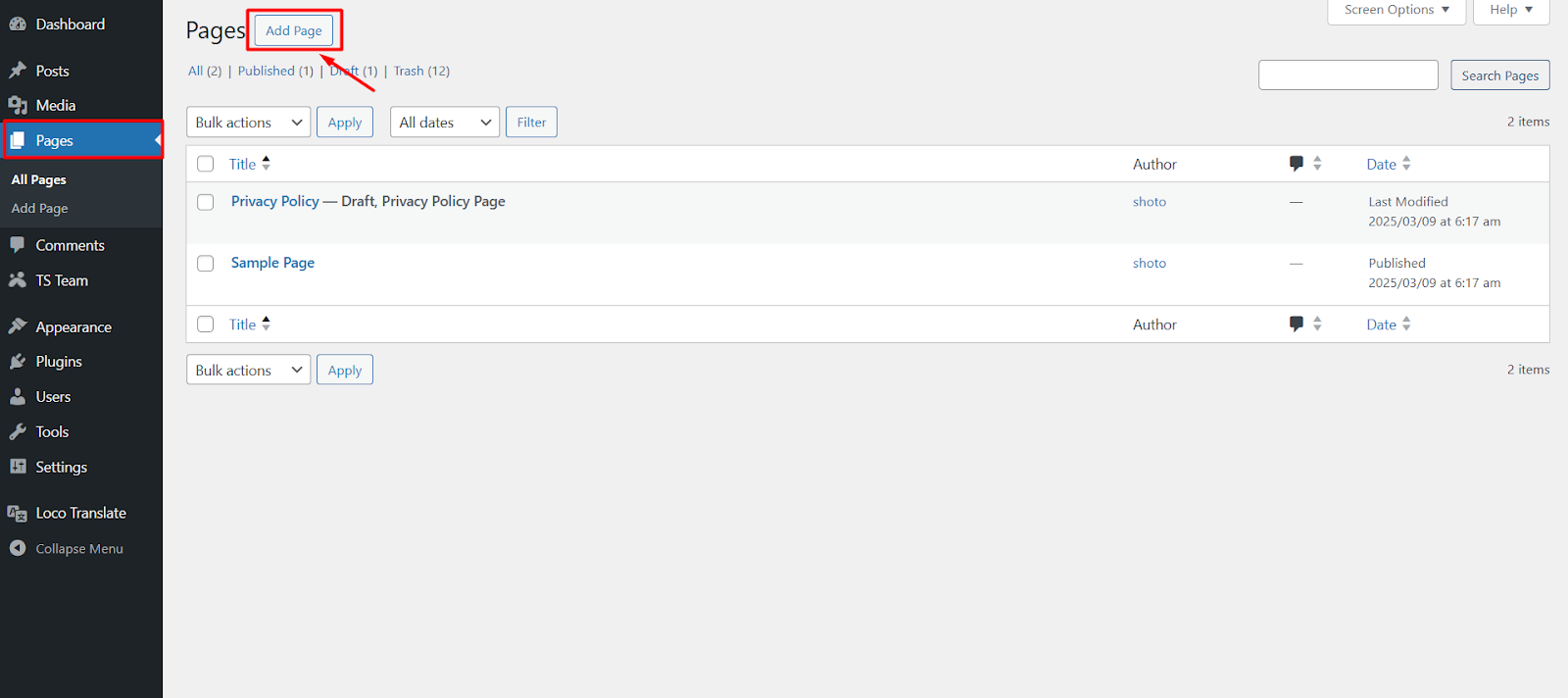
- Firstly, install and activate the Elementor plugin. From your WordPress dashboard, go to Pages > Add New.
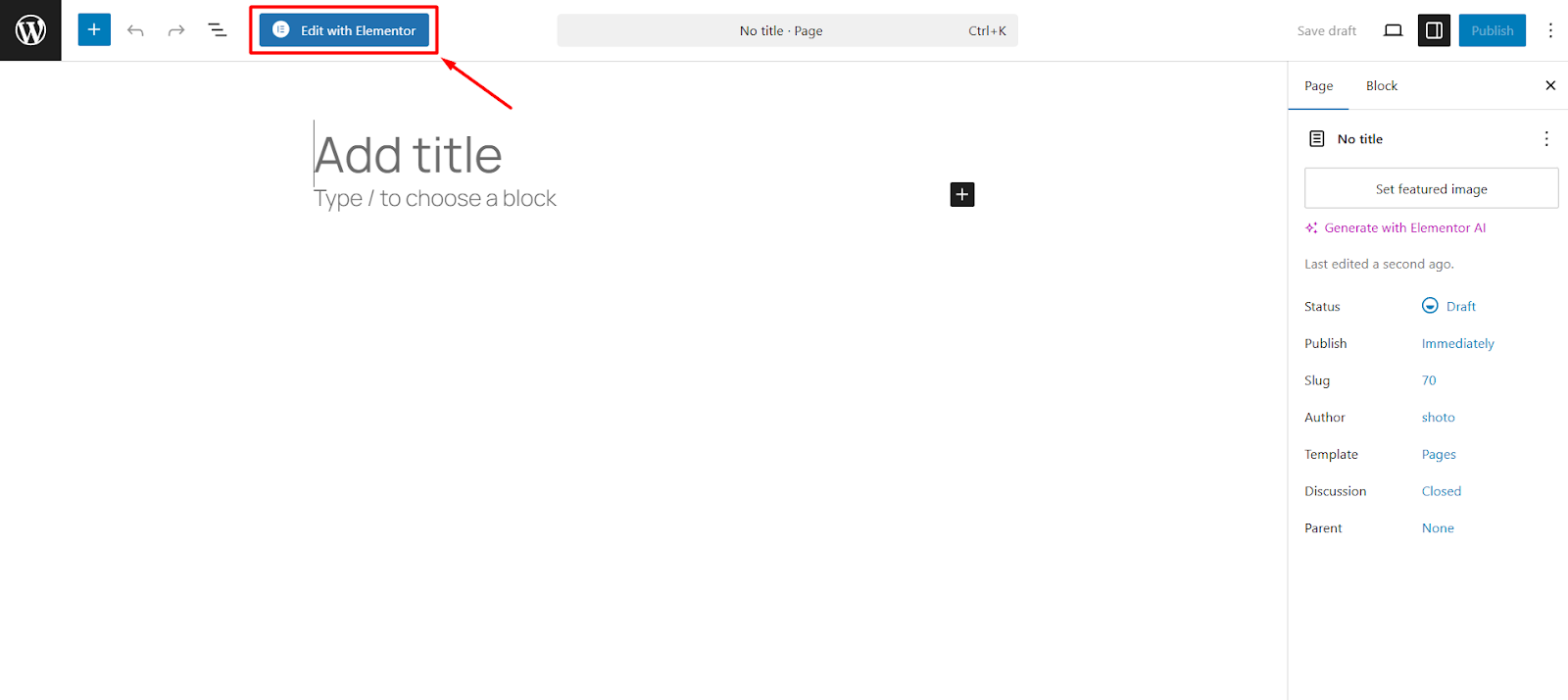
- Click on Edit with Elementor button from the header toolbar.
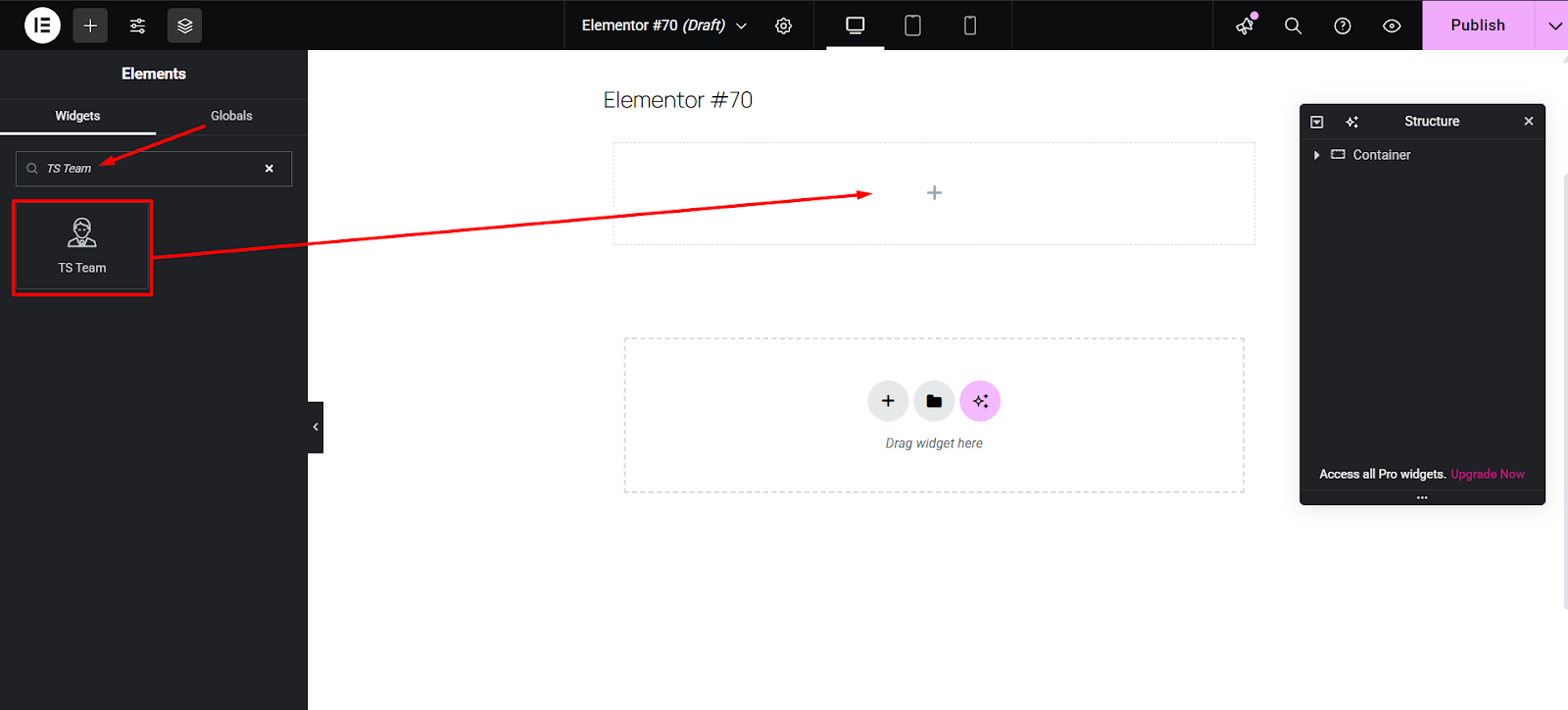
- Look to the left sidebar. In the Basic widgets section, you should see a widget labeled TS Team. Drag the TS Team widget into the widget area on the right side of the screen.
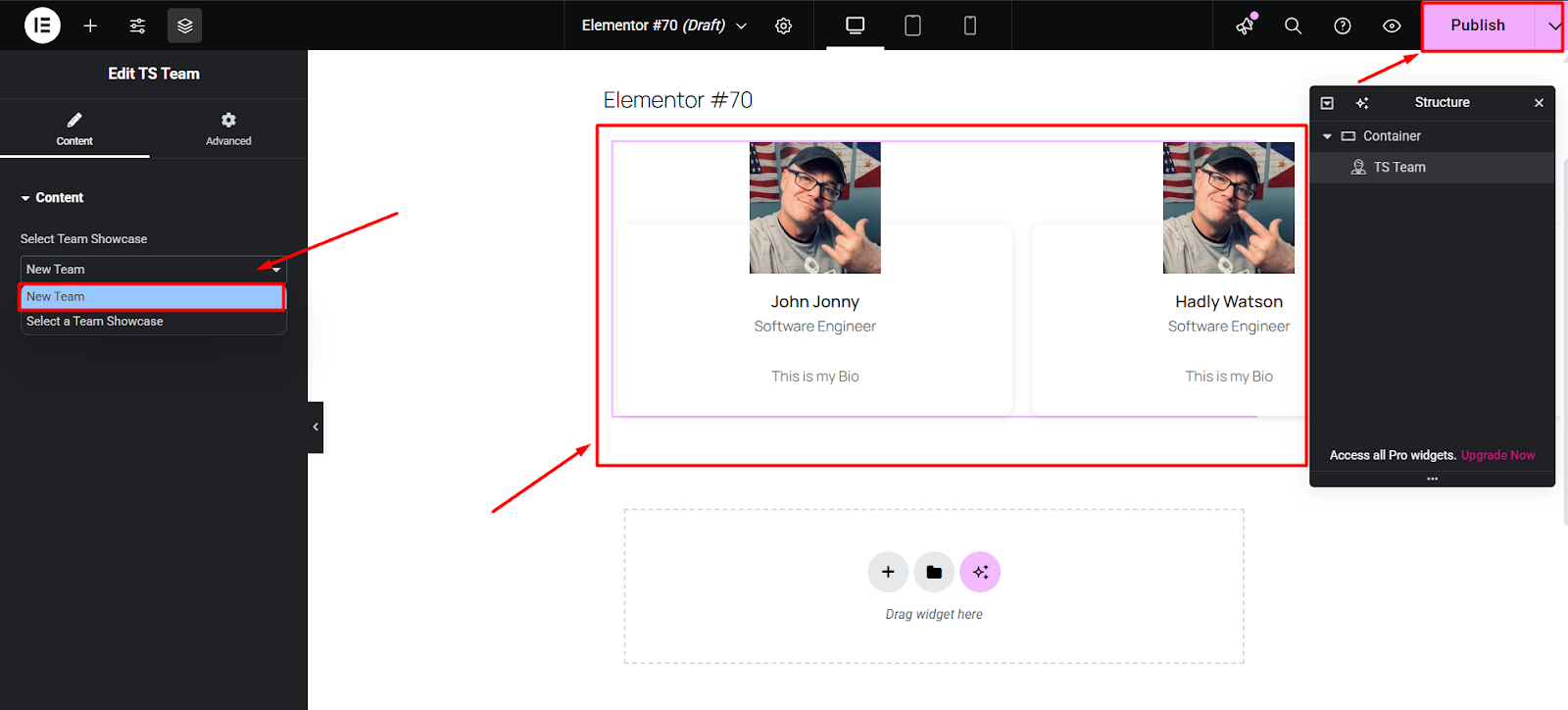
- Now, choose the Team Showcase you already created. You will get a preview of it in the editor and publish the page.
.