

How to Work TS Team Member in Any Page Builders?
TS Team Member plugin allows you to display team members seamlessly on your WordPress website using shortcodes. This documentation explains how to integrate TS Team Member with any page builder, using Beaver Builder as an example. Firstly, install and activate the Beaver Builder plugin on your site.
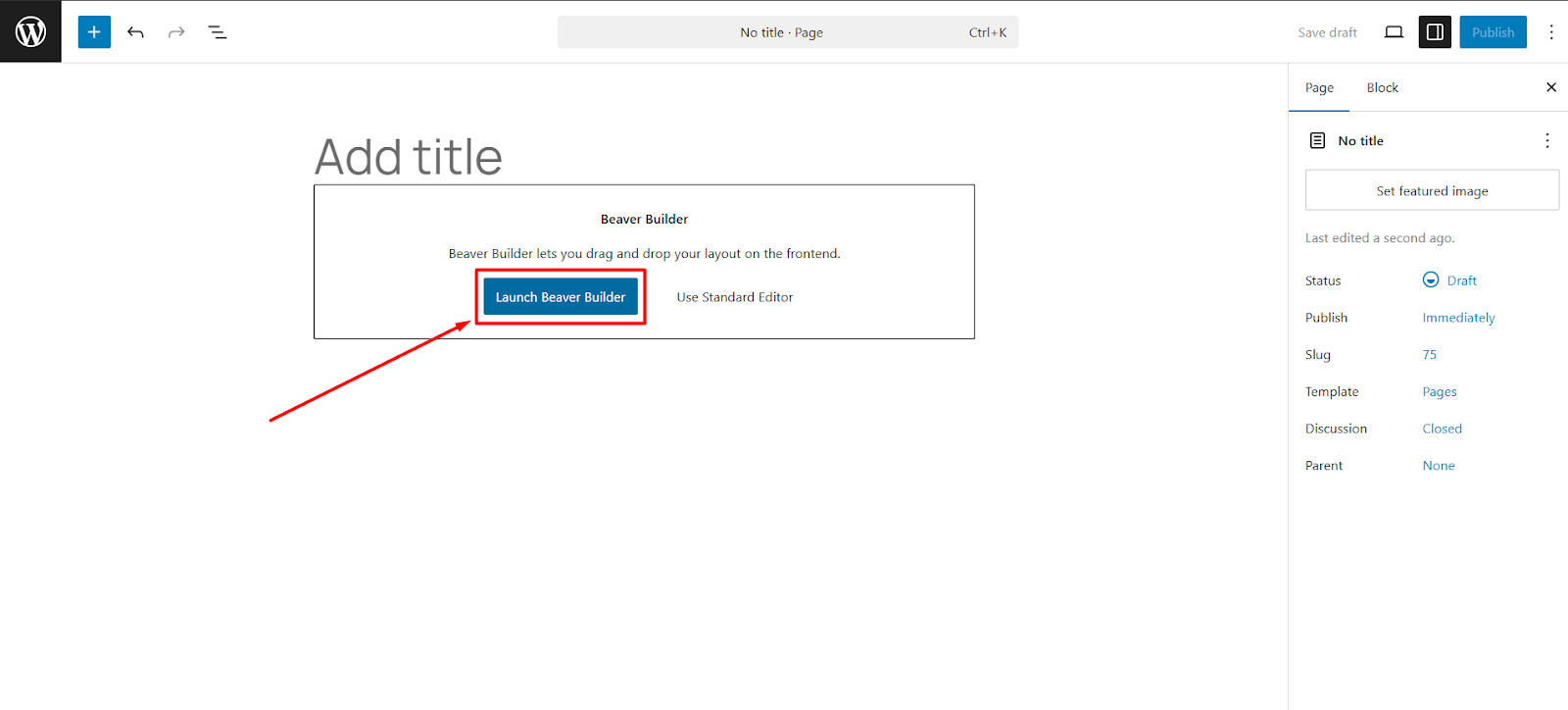
- From your WordPress dashboard, go to Pages > Add New.
- Click on Use Beaver Builder and then click on Start Building.
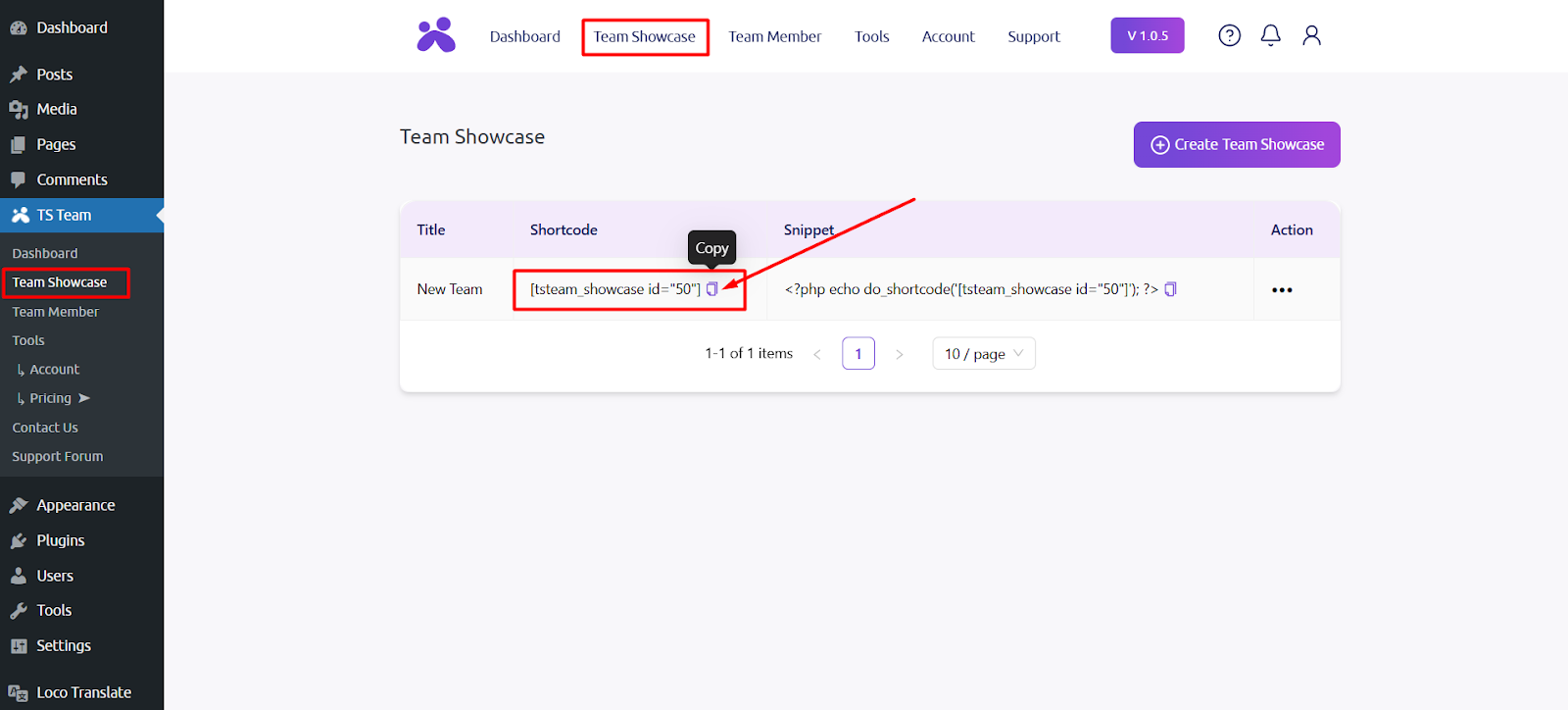
- Go to TS Team Showcase section again and copy the Team Showcase Shortcode.
- Add the HTML module, then enter the Team Showcase Shortcode and click on Save.

- Then click on the Done button from the top right corner of the page. It will provide you with some options.
- Click the Publish button to publish the page and exit the editor.